Fit & compatibility
Get the right band the first time.
WHOOP 5.0 and WHOOP MG do not have the same accessory requirements. Two minutes here saves a return.
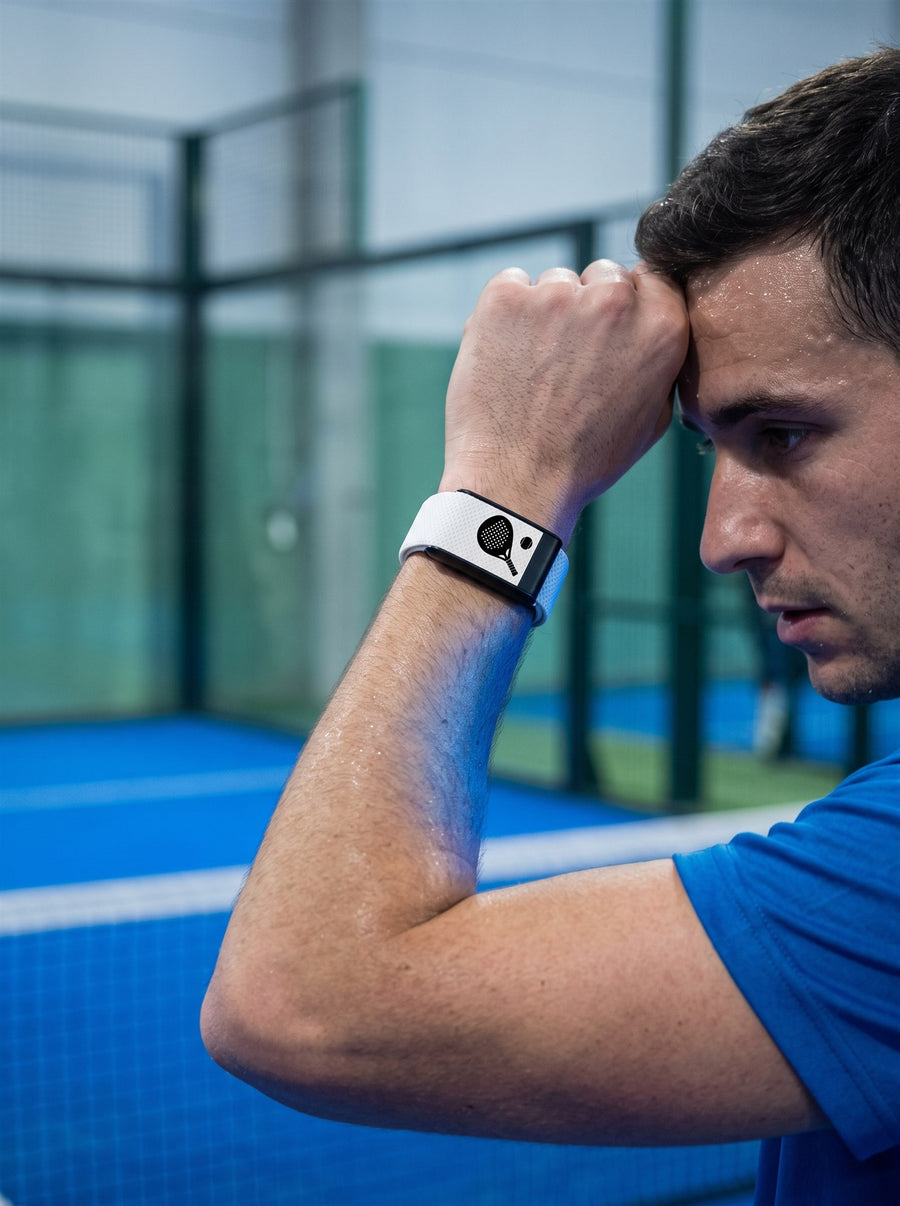
Step one
Check your device in the WHOOP app
- 1 Open the WHOOP app.
- 2 Go to the device section.
- 3 Read the registered model: WHOOP 5.0 or WHOOP MG.
Step two
Match the model, not just the look.
WHOOP 5.0
Choose the WHOOP 5.0 option on the product page. Each band lists the WHOOP 5.0 and MG options separately.
WHOOP MG
Needs an MG-compatible band with conductive clasp hardware. Choose the MG option only when it is explicitly shown.
WHOOP MG can physically connect to some 5.0-style hardware, but a standard 5.0 band is not a substitute for MG-specific conductive hardware. Read our complete compatibility guide.
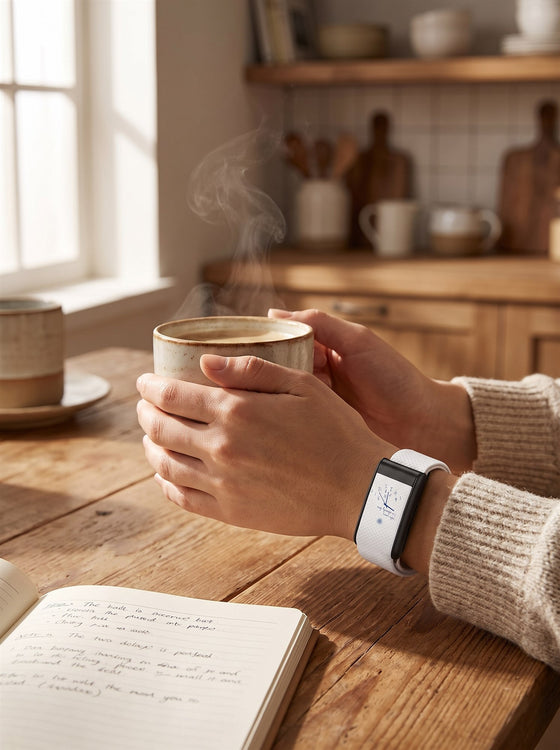
Step three
Fit and sizing
Strapion nylon bands are adjustable. Check each product page for its stated wrist range.
- ✓ Sensor sits flat against the skin.
- ✓ About one inch above the wrist bone.
- ✓ Snug, but never restricting circulation.
Still unsure?
Contact us before ordering and tell us the model displayed in your WHOOP app. We will help you choose the correct option.
Strapion is an independent accessories brand and is not affiliated with or endorsed by WHOOP, Inc. WHOOP is a trademark of its owner.